I was a Notion guy for a while. It looks clean, the templates are nice, and for about two weeks you feel like you finally have your life together. Then you start noticing the cracks. It’s entirely online-first. Your data lives in their database in some proprietary format you can’t just… open. Export is possible but it’s a mess. And if Notion decides to change pricing, go under, or just break something — your notes go with it.
That’s a no from me.
Plain text or bust
Obsidian is different in one fundamental way that matters more than any feature list: your notes are just markdown files sitting on your local disk. That’s it. Open them with any text editor. Git commit them. Zip them. Email them to yourself. They’re yours in the most literal sense — not “yours subject to our terms of service,” just yours.
This sounds boring until you’ve been burned by a tool dying or a company pivoting and suddenly your years of notes are trapped behind a paywall or an unusable export wizard.
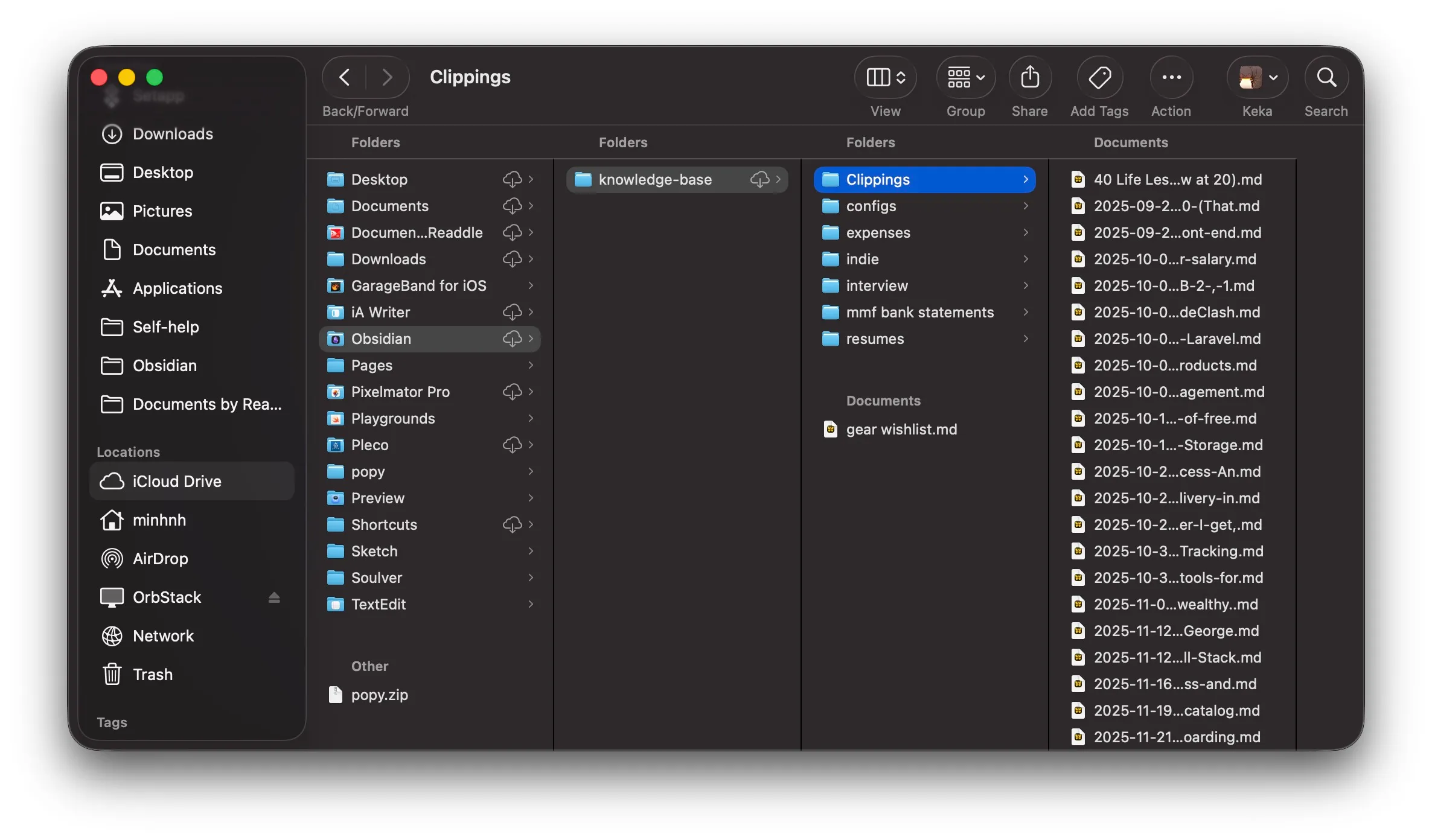
The app is a layer on top of files you already own. That distinction matters a lot.
Free sync? yeah, actually
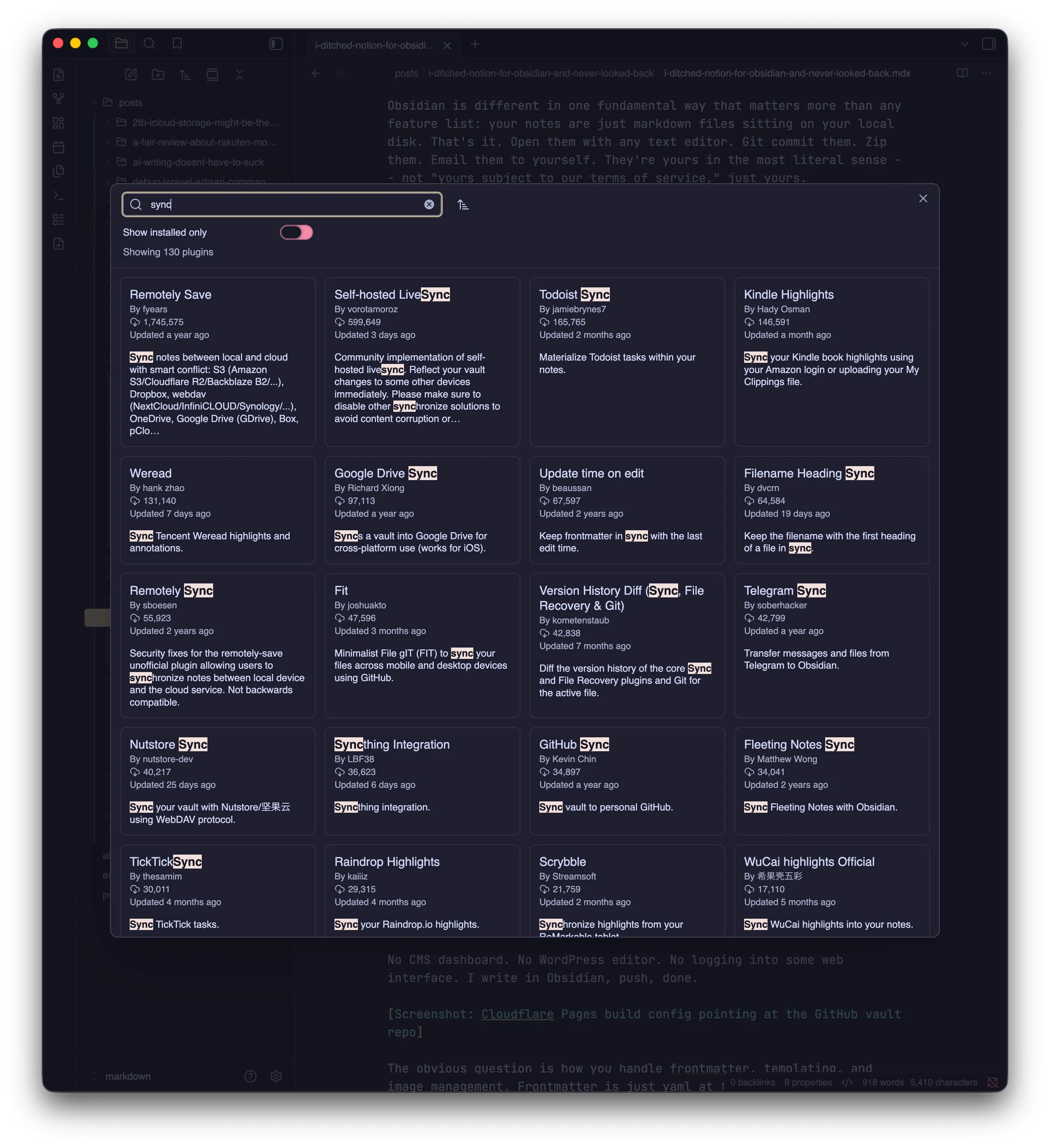
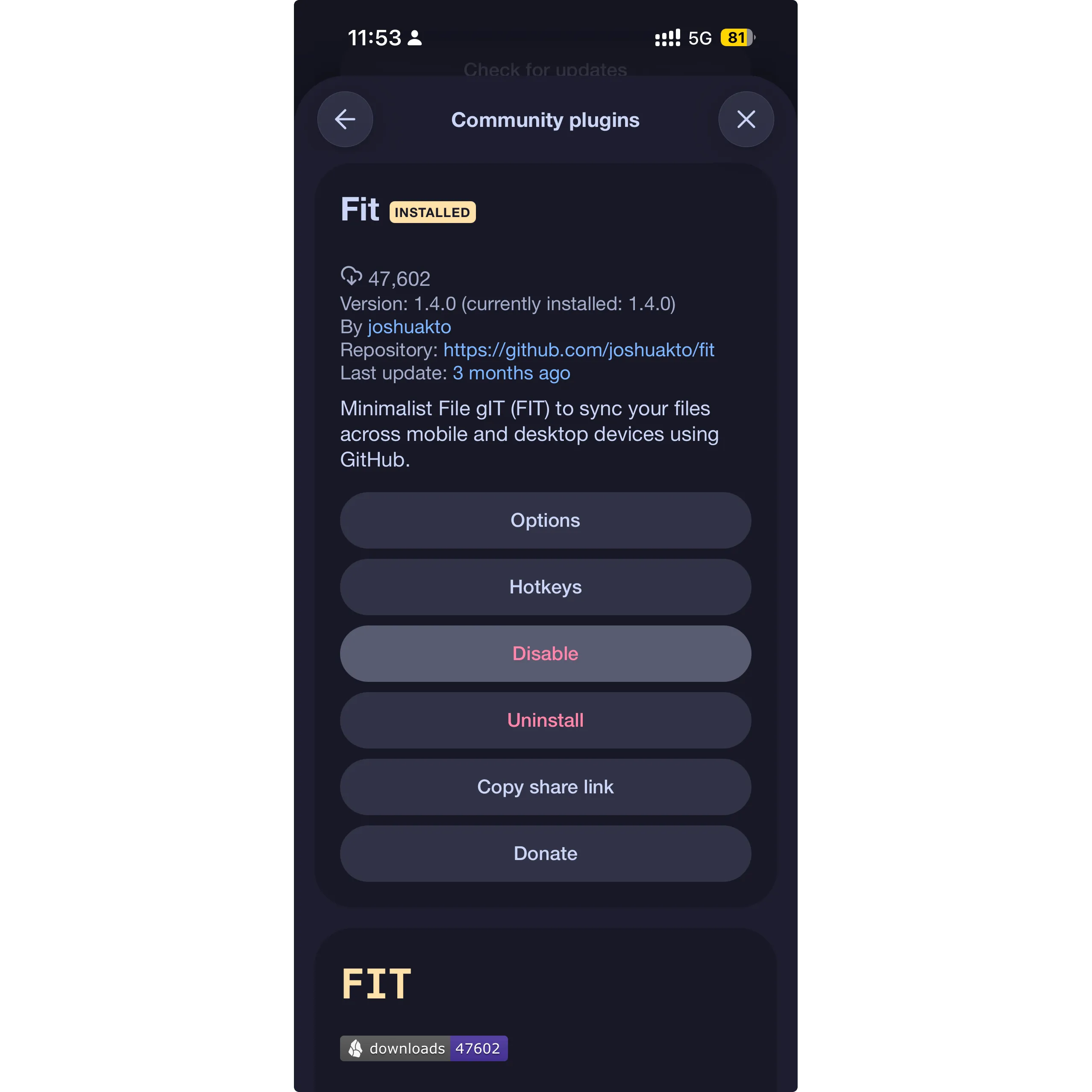
Obsidian Sync is a paid feature, but the app itself is free and it doesn’t stop you from plumbing your own sync solution. People have been doing it forever with iCloud (if you’re in the Apple ecosystem), Git, Syncthing, or any folder that lives in a synced drive. My vault is a GitHub repo. That’s my sync solution and my version history and my off-site backup all at once, for free.
The plugin ecosystem makes this even more nuts. Community plugins exist for basically everything — Dataview lets you query your notes like a database, Templater handles dynamic note templates, there’s a Git plugin that auto-commits on a schedule. Heck, do you know you can even Excalidraw directly on Obsidian? The core app is minimal on purpose; the community fills in the rest.
Using Obsidian as a CMS for this blog
This is the part I’m most into right now. My blog has its own dedicated Obsidian vault — a GitHub repo that Cloudflare Pages is pointed at. When I push a note, the build pipeline picks it up and the post goes live.
No CMS dashboard. No WordPress editor. No logging into some web interface. I write in Obsidian, push, done.
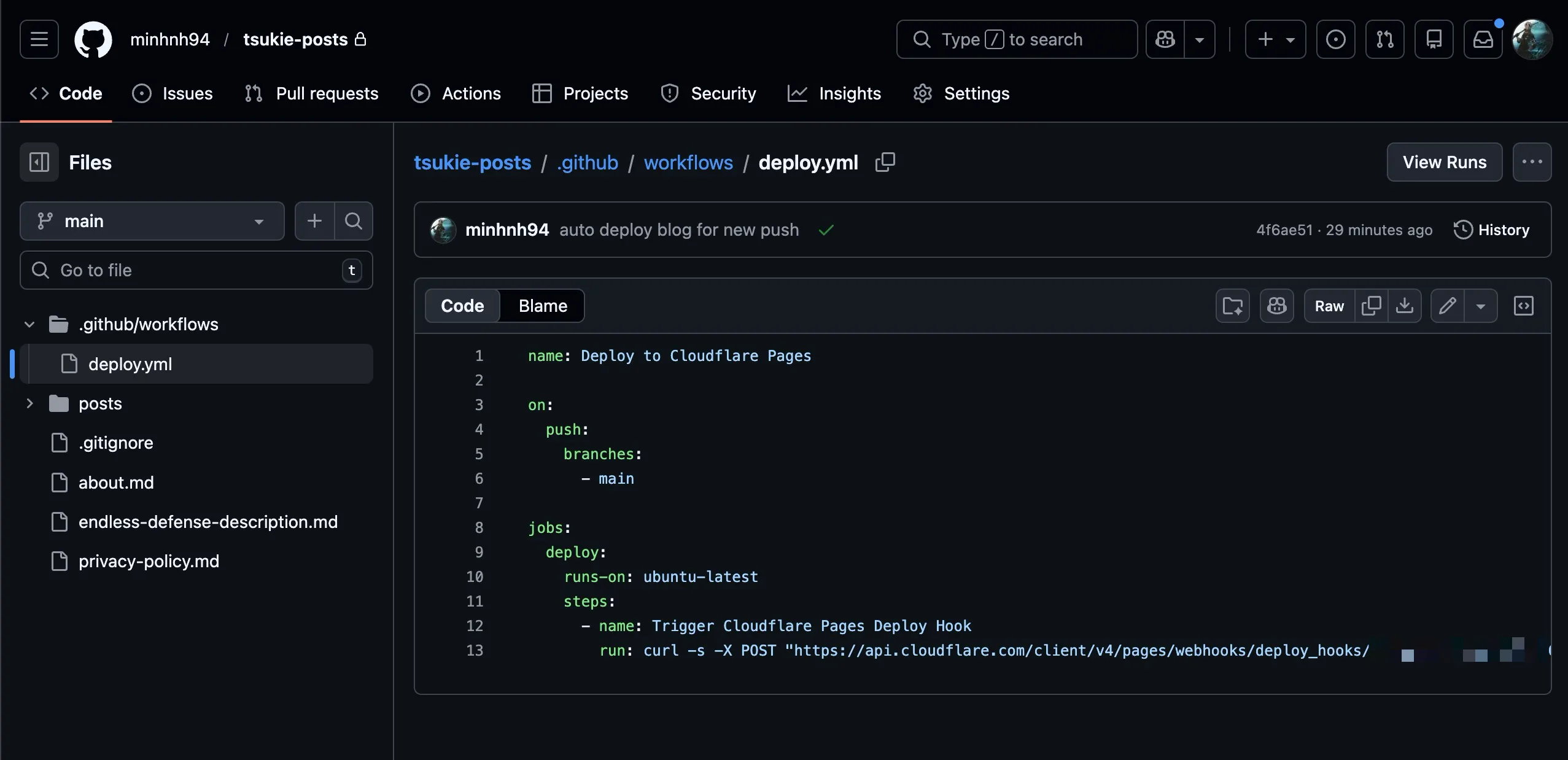
The obvious question is how you handle frontmatter, templating, and image management. Frontmatter is just yaml at the top of each note — Obsidian handles it natively, the build step reads it. Images are dead simple: each blog post gets its own folder, and images live right next to the markdown file. Astro handles co-located assets natively so they just work at build time without any extra config.
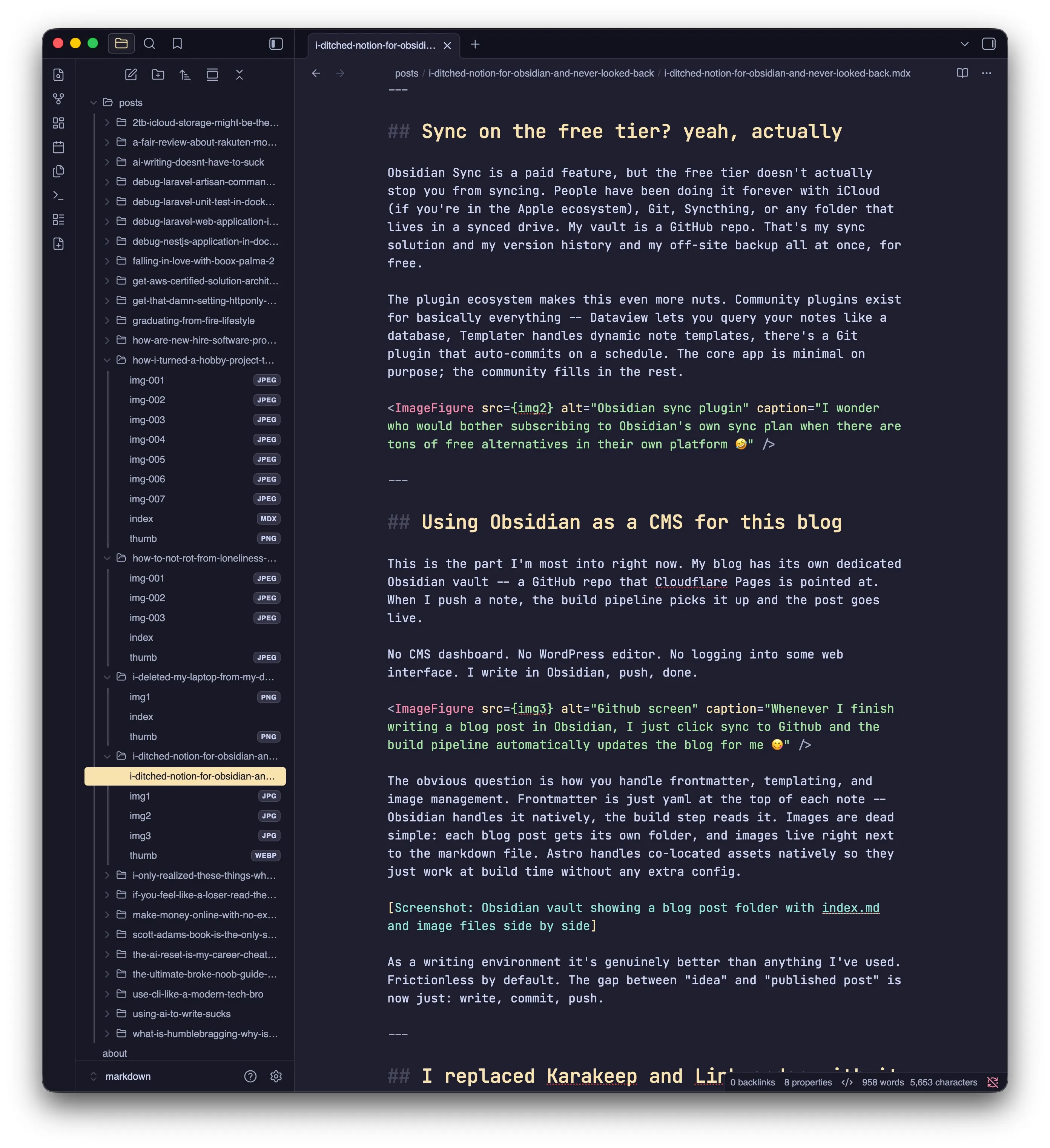
As a writing environment it’s genuinely better than anything I’ve used. Frictionless by default. The gap between “idea” and “published post” is now just: write, commit, push.
I replaced Karakeep and Linkwarden with it too
I was running Karakeep (formerly Hoarder) and before that Linkwarden for bookmark management. Both are fine tools. But having a separate app just for saving links always felt like a context switch I didn’t want.
Obsidian Web Clipper is a browser extension that saves pages directly into your vault. Full content, not just the URL. You can clip an article and it lands as a note you can tag, link to other notes, and search just like anything else in your vault.
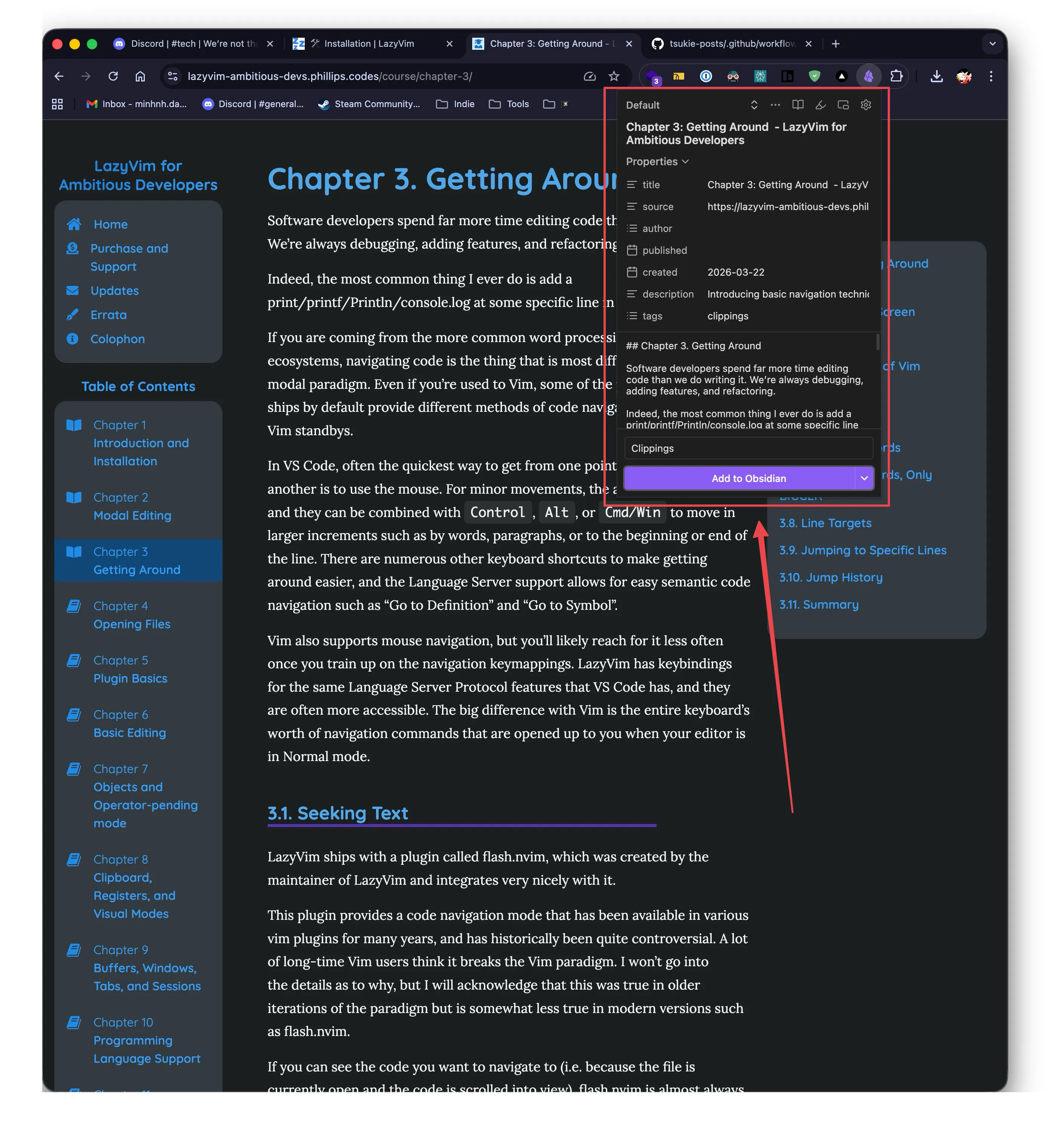
The difference this makes is subtle but real. A saved link in a bookmark manager is dead storage. A clipped article in Obsidian can link to your notes on the same topic, surface in graph view next to related ideas, and actually get read and used instead of sitting in a list forever. Bookmarks become part of the knowledge base instead of a separate graveyard.
One less self-hosted service to maintain too, which is always a win.
What I haven’t figured out yet
I’ve been using Obsidian seriously for a few months and I’m still obviously scratching the surface. The graph view, Dataview queries, canvas boards, spaced repetition plugins — I’ve opened them, been impressed, and then gone back to just writing notes because that’s enough for now.
There’s a whole world of PKM (personal knowledge management) philosophy around Obsidian with Zettelkasten methods and progressive summarization and atomic notes. Most of it sounds like productivity cosplay to me, but the underlying capability is genuinely there if you want it.
For now I’m using it as: a writing app that also stores files that also powers my blog that also holds my bookmarks. That’s already a lot more than I expected from one tool.
The pitch isn’t “Obsidian is perfect.” It’s “Obsidian is local-first, format-open, extensible, and free — which makes it the most future-proof note-taking setup I’ve found.” If a better app comes along tomorrow, I move my markdown folder over and nothing is lost.
That’s the bar every tool should clear. Most don’t.